 |
Several technologies seek to change the way we perceive our reality, whether that involves entering a virtual world, augmenting an existing one in a realistic and interactive way, or somewhere in-between.
It's tough to keep track of what we mean with this terminology, so let's go over the basics
VIRTUAL REALITY
All reality-altering technology changes the way we perceive the world in some way, but virtual reality (VR) completely changes the visual environment around us.
Merriam-Webster defines virtual reality as "an artificial environment which is experienced through sensory stimuli (as sights and sounds) provided by a computer and in which one's actions partially determine what happens in the environment."
How we interact with this virtual environment, however, depends heavily on the platform in use. Some VR headsets were designed to be used while staying seated and moving yourself through the virtual space with a handheld controller, like you would in a video game. The difference here is simply that the screen is attached to your face (by way of a headset) and covers a much larger portion of your field of vision, immersing you in the virtual, 360-degree world.
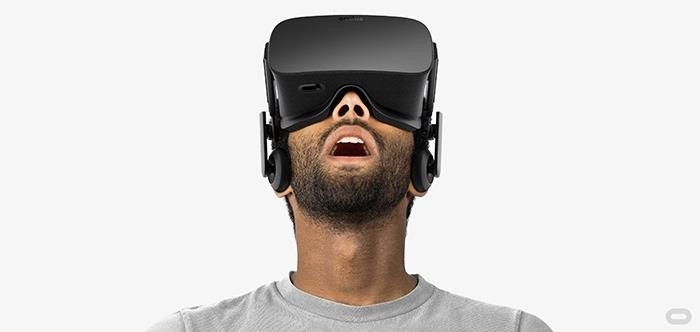
The Oculus Rift is well-known as one of the most popular VR headsets currently available to the public, but it requires both a computer (which the headset is cabled into) and separate controller to function. Essentially, it exists as an immersive screen you wear on your head to surround yourself with a virtual world. PlayStation VR aims to operate similarly.
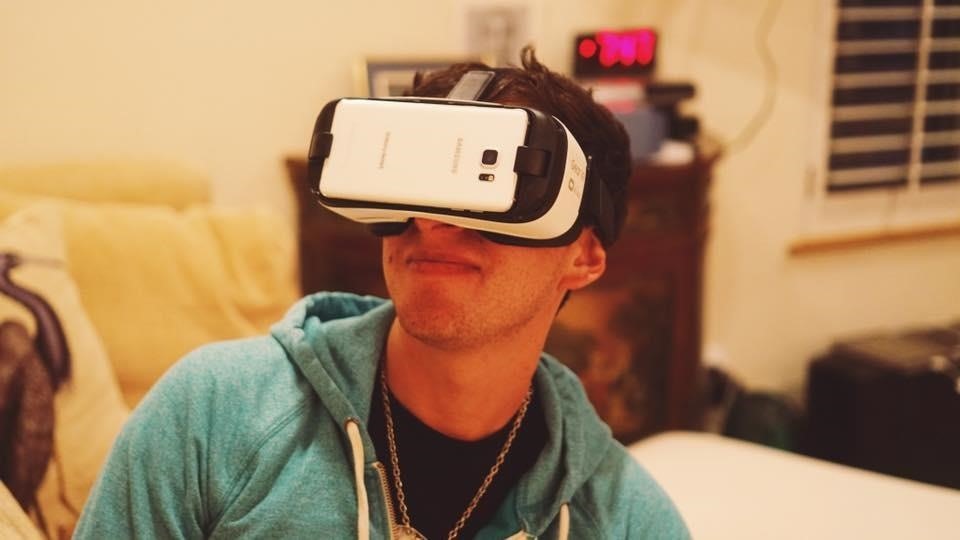
On the lower end, Google Cardboard and (the somewhat more robust) Samsung Gear VR also offer similar experiences—just at a lower overall quality (and price point). One positive of these devices is that they aren't cabled to a computer. Instead they are powered by a smartphone strapped onto your face with a headset for a quick-and-dirty VR experience.
In The Void, you'll see a virtual world, but because you are freed from being tethered to a computer you can physically walk around the space around you, which is actually a blank set of bare walls. You are the controller and can immerse yourself more fully into the rendered world presented to you, interacting with the environment. They even create artificial rain, heat, and cold in the space to make the game more interactive and immersive.
Overall, that's the easiest way to think of VR: It's a completely separate and artificial world designed to change your reality and immerse you in it. Nothing is real and everything is virtual.
AR: Augmented Reality
Augmented reality (AR) takes your existing reality and changes aspects of it through the lens of a smartphone, a set of glasses, or even a headset. With augmented reality you'll always see what's right in front of you, but with an added virtual layer on top of it.
According to Merriam-Webster, augmented reality is "an enhanced version of reality created by the use of technology to overlay digital information on an image of something being viewed through a device (as a smartphone camera)."
AR can take a lot of different forms, but its most common use is pretty straightforward: the screen of our smartphones. One of the first and simplest examples comes from Yelp. They created a feature called Monocle that lets you hold up your phone and see information about nearby businesses. It utilizes your smartphone's camera to show you a live look at what's around you, but overlays information on your screen. (See the video below for a demonstration.)
You'll find AR in all sorts of different smartphone apps. Quest Visual's Word Lensfinds text your smartphone's camera sees and translates it into a language of your choosing. They even offer the app on Glass, Google's augmented reality eyewear.
Glass was one of the first devices to take AR beyond the smartphone, but it became the source of controversy due to privacy concerns, chunky hardware, a high price tag, and a less-than-compelling feature set.
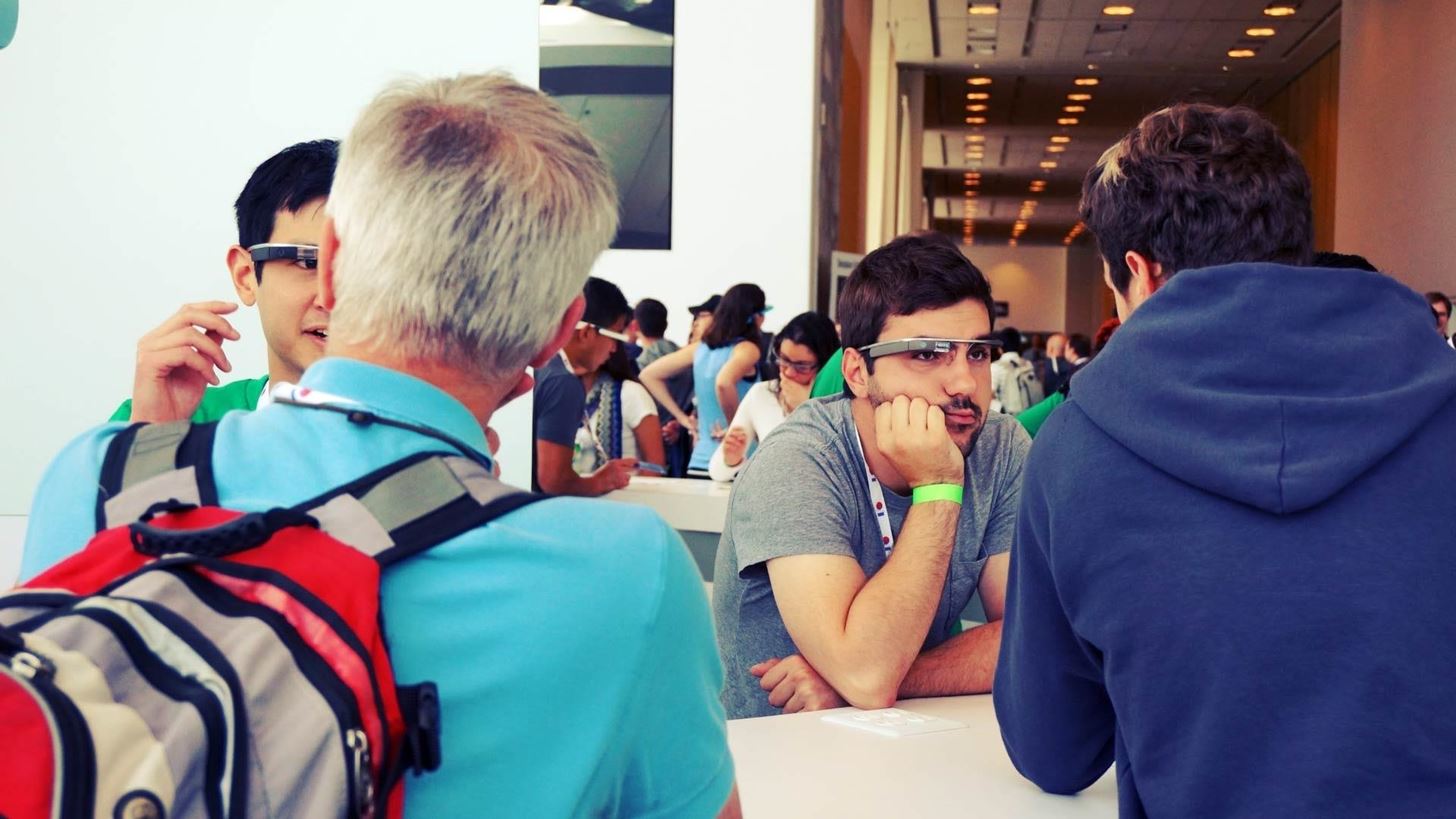
While Glass may not serve as the poster child for AR, other companies (such as LAFORGE Optical, Optinvent, Vuzix, and Epson) aim to breathe new life into the AR headset market and popularize this more passive method of interaction. Some believe AR devices like Glass will never succeed, but only time will tell.
Overall, you can think of augmented reality as a layer on top of your existing reality, not mixed into it. While headsets certainly fall into this category, the most common usage of AR is a layer on top of your smartphone's field of view. This kind of AR visualization can't be interacted with as part of the larger environment, but only through your phone's screen.
MR: Mixed Reality
Mixed reality (MR), on the other hand, takes AR to the next level and is, essentially, what many of us initially expected or hoped for AR to be. Instead of just a layer on top of the world we see every day, MR refers to the ability to mix digitally rendered objects into our real environment.
Wikipedia defines mixed reality as "the merging of real and virtual worlds to produce new environments and visualizations where physical and digital objects co-exist and interact in real time. Mixed reality takes place not only in the physical world or the virtual world, but is a mix of reality and virtual reality, encompassing both augmented reality and augmented virtuality."
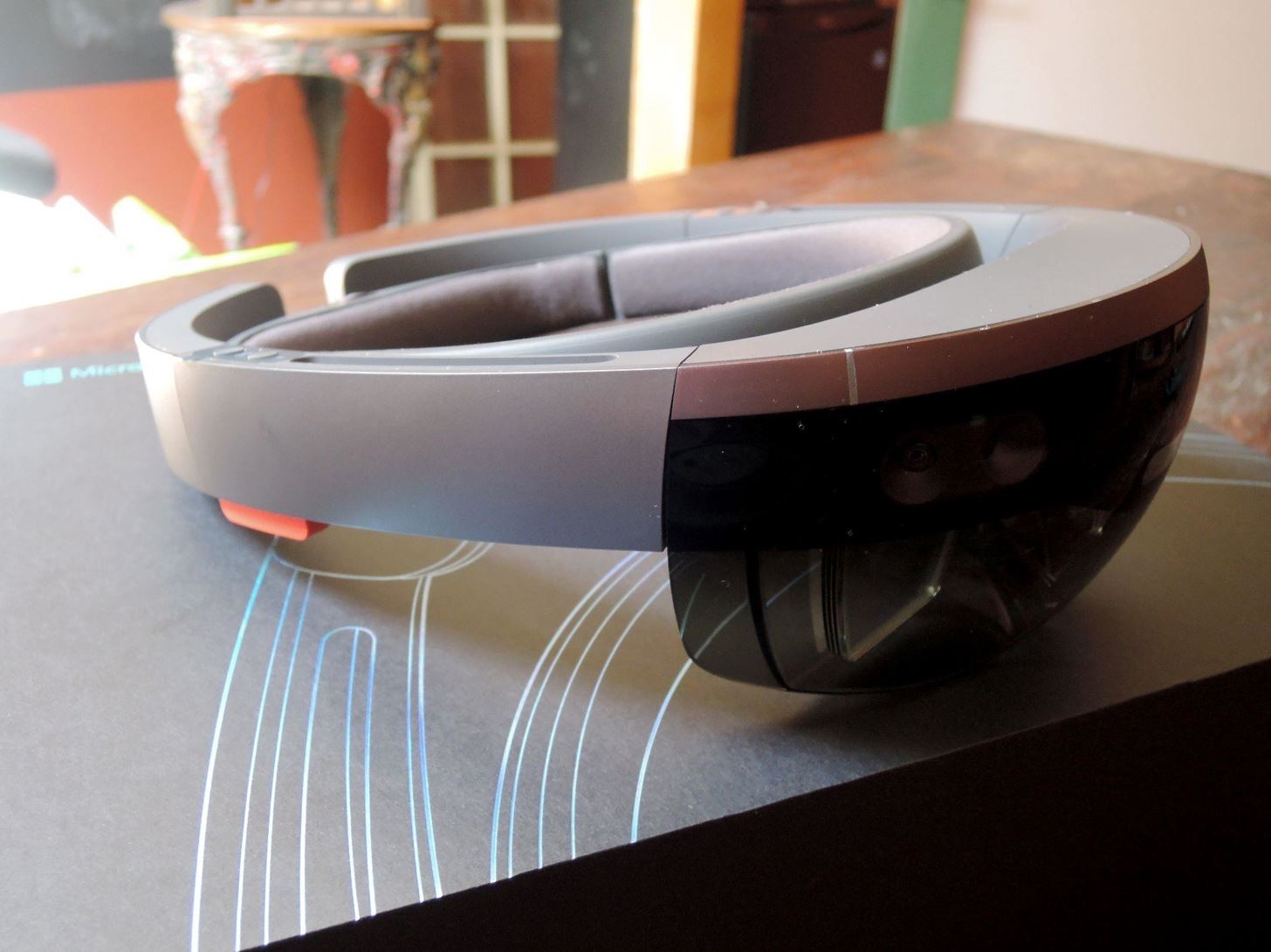
While MR experiences can certainly happen on a smartphone, headsets will likely dominate this space with a more immersive experience. The most well-known mixed reality device currently in development is Microsoft's HoloLens. It can scan the room and understand the space it's in so it can accurately mix in digital objects into your existing environment.
You can interact with the projected images on your HoloLens by using your own hands just as if they were real—but they're not, and that's what mixed reality is all about. The digital world gets mixed in with the real one, and by donning a headset you can interact with it all.
Magic Leap and Meta 2 are other mixed reality devices in the works.
Reality-altering terminology gets a little confusing at times as these different technologies definitely overlap. Augmented reality and mixed reality, specifically, share a lot of space and similar use-cases.
While you could describe MR devices as AR, MR offers a more specific definition. You can think of it almost as a sub-category of advanced AR, as MR augments the reality you see but in a far more deep and integrated fashion. Whereas AR provides an added layer on top of reality that you can see, MR mixes everything in more seamlessly and provides a greater amount of user interaction.
